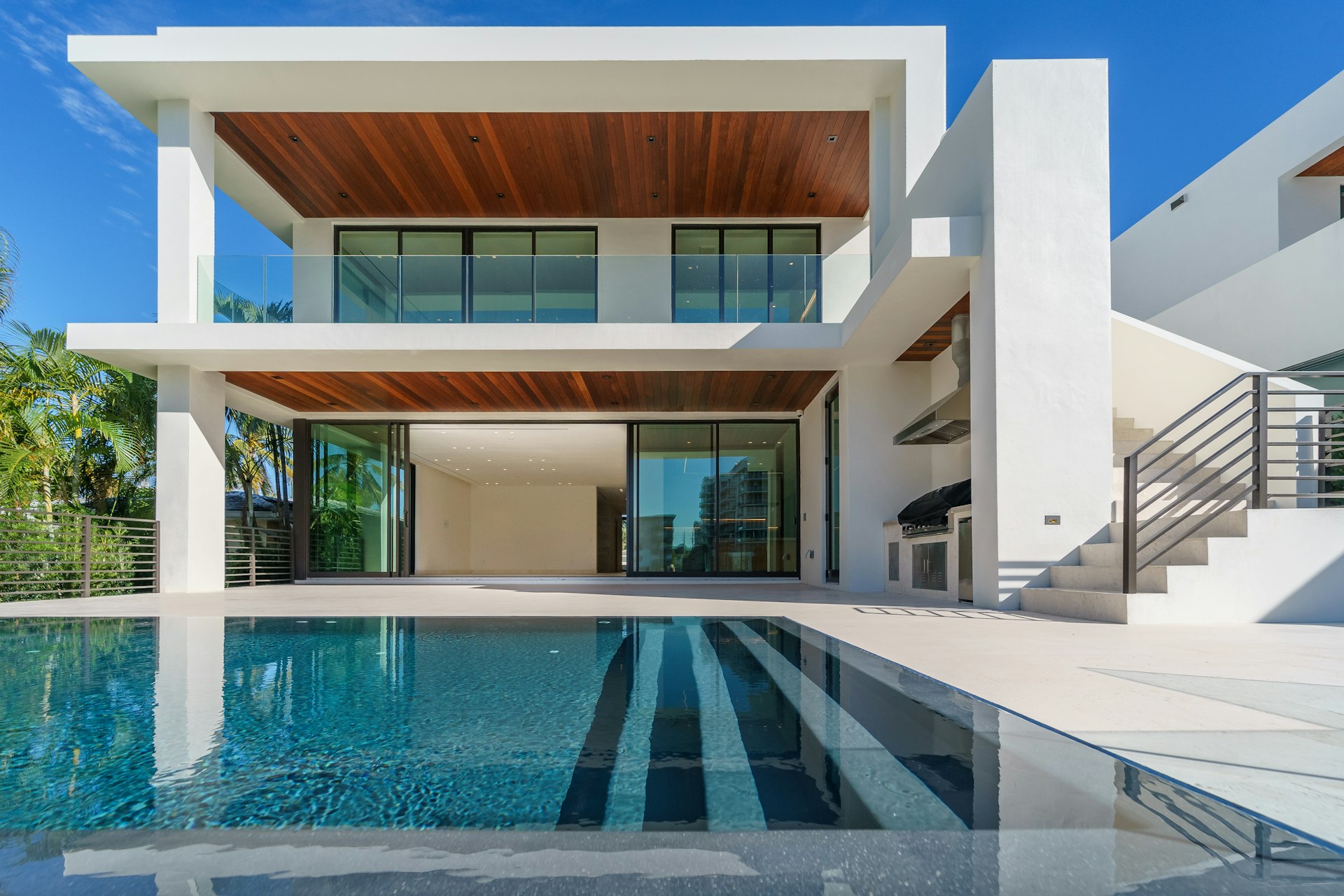
Brand Palette System
Define up to 10 named brand colors and assign them to specific roles across your site. Primary, accent, background, text, and more, all mapped to your exact palette.
Feature
Define your brand palette, choose your typography, upload logo variants for light and dark mode, and fine-tune every visual detail. Your site should look like you built it from scratch.
Benefits
Define up to 10 named brand colors and assign them to specific roles across your site. Primary, accent, background, text, and more, all mapped to your exact palette.
Select from curated font pairings that work for real estate marketing. Headlines, body text, and accent fonts work in harmony with your brand identity.
Upload your logo with a dark mode variant for seamless appearance across all contexts. Your branding looks perfect on light backgrounds, dark backgrounds, and everything in between.
Choose from multiple layout variants for your header and footer. Adjust navigation style, logo placement, and content sections to match your brand presentation.
How It Works
Upload your logo, dark mode variant, and any brand assets. Set your brand colors by entering hex values or picking from the color selector.
Assign your brand colors to roles: primary buttons, accent highlights, backgrounds, and text. The system generates consistent color relationships across your entire site.
See your branding applied across every page in real time. Adjust typography, spacing, and layout variants until every detail is exactly right.
FAQ
Explore More
Estate, Gallery, and Waterfront are polished foundations — not locked themes. Customize branding, colors, typography, and content within each template, or engage us for full site customization.
Learn moreDefine the neighborhoods and communities you serve. Each service area gets a dedicated page with featured listings, area descriptions, and filtered search results that establish your local expertise.
Learn morePublish market reports, neighborhood guides, and thought leadership directly on your site. AI-assisted drafting gets you from blank page to published post in minutes.
Learn moreExplore More
Same luxury positioning, direct MLS integration, and AI-powered content — without the $500+/month price tag or long-term contracts.
Learn moreNo WordPress maintenance, no plugin updates. Direct MLS sync, AI content generation, and luxury design templates on a modern platform.
Learn moreModern platform with direct MLS integration, AI content generation, and three premium design templates — built for agents who want to stand out.
Learn moreSee how Custom Branding can transform your real estate business.